
Demo endings
Explore an outro when a promising song stops too abruptly.
MUSIC TOOLS
Loading tool availability…
A promising demo may stop before its last thought resolves. The AI song extender explores a continuation from a compatible song in your Banger account when enabled. Decide what the next section should accomplish: settle into an outro, make room for a closing lyric or reduce the energy after a chorus. Then listen for how the new section joins the source. Check the availability message above before planning a task.
Check availabilityListen through the source and identify the phrase you want to continue from. If you set the optional time field, enter a point inside the song rather than its end or a time beyond it. Use the style and lyric fields for the new section; a timing field alone does not describe the ending you want.

The source selector lists songs that this operation can use. Older imported songs may still be playable and downloadable without being compatible with extension. If your song is not listed, pasting its download link will not make it eligible.

Check the transition, vocal continuity and eventual ending. An extension is generated audio, not a guaranteed seamless edit. Keep both the original and the new result, then choose what belongs in your project.
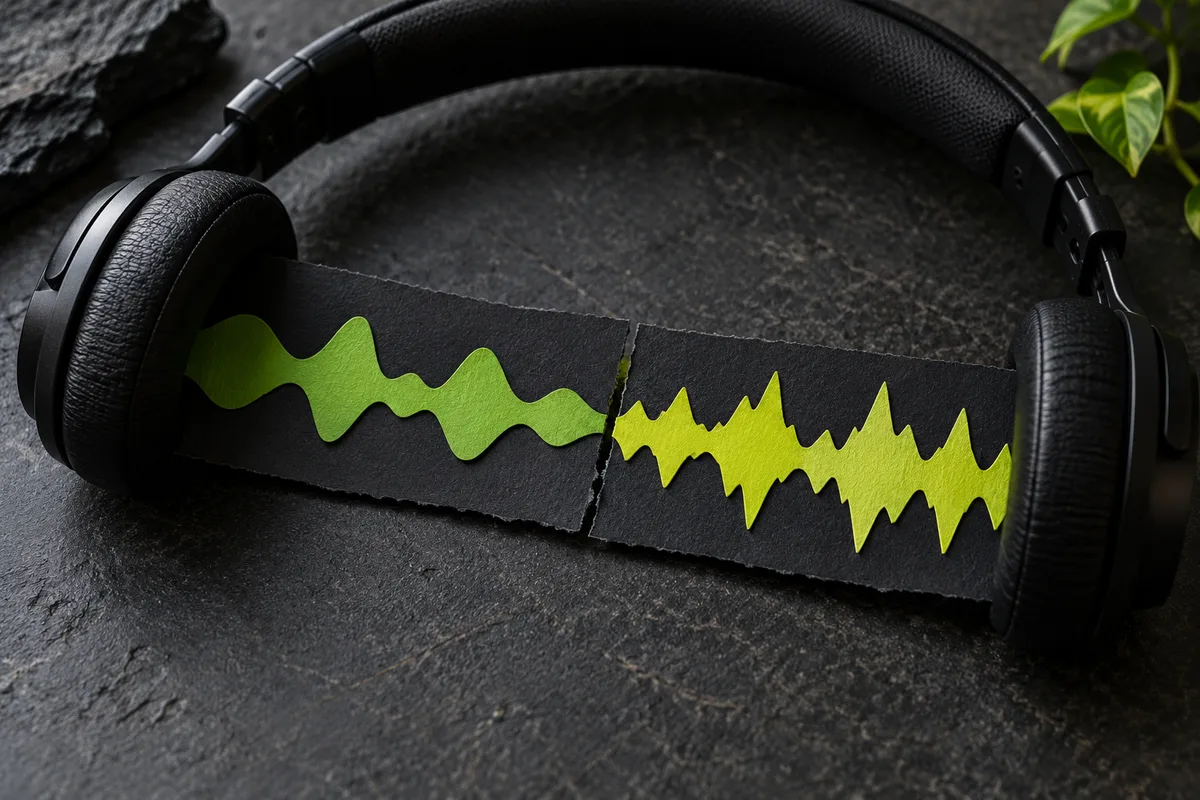
Pick the correct compatible song in your account.
Use the displayed time field and requested musical guidance.
Listen around the join and preserve the original.
Explore an outro when a promising song stops too abruptly.
Try space for a closing lyric or instrumental response.
The current workflow uses eligible saved generation sources. It is not a general upload-and-extend service for arbitrary MP3 files.
Legacy playback and download do not imply edit eligibility. Only sources offered by the tool can be used.
No. Review the join and use your editing workflow if the two sections need adjustment.
No. It requests a generated continuation. Compare the join and the ending rather than assuming the new section is a loop or a seamless edit.
This guide does not mean the operation is enabled. Check the workspace status above.
Check tool status