
Creator intros
Explore a recognizable opening for a series without asking the tool to edit the video.
THE STUDIO
Loading tool availability…
What should the music do in your project? A product reveal needs a different opening from a narrated tutorial, and a lyric demo needs room for the words. The Banger AI music generator starts with your description, your lyrics or an instrumental direction. Use the returned music to test that idea against your video or song draft, then decide what to keep.
Check availabilityStart with one scene, one energy level and one main musical texture. For a narrated tutorial, listen for space around the speech. For a reveal, listen to how the opening sets up the moment. A short, consistent brief is easier to judge than a list of unrelated genres.
The result is a musical interpretation, not an automatic fit to your cuts. Compare it with the actual edit and arrange or trim it in your usual editor. Exact duration and frame-accurate hits are not promised.
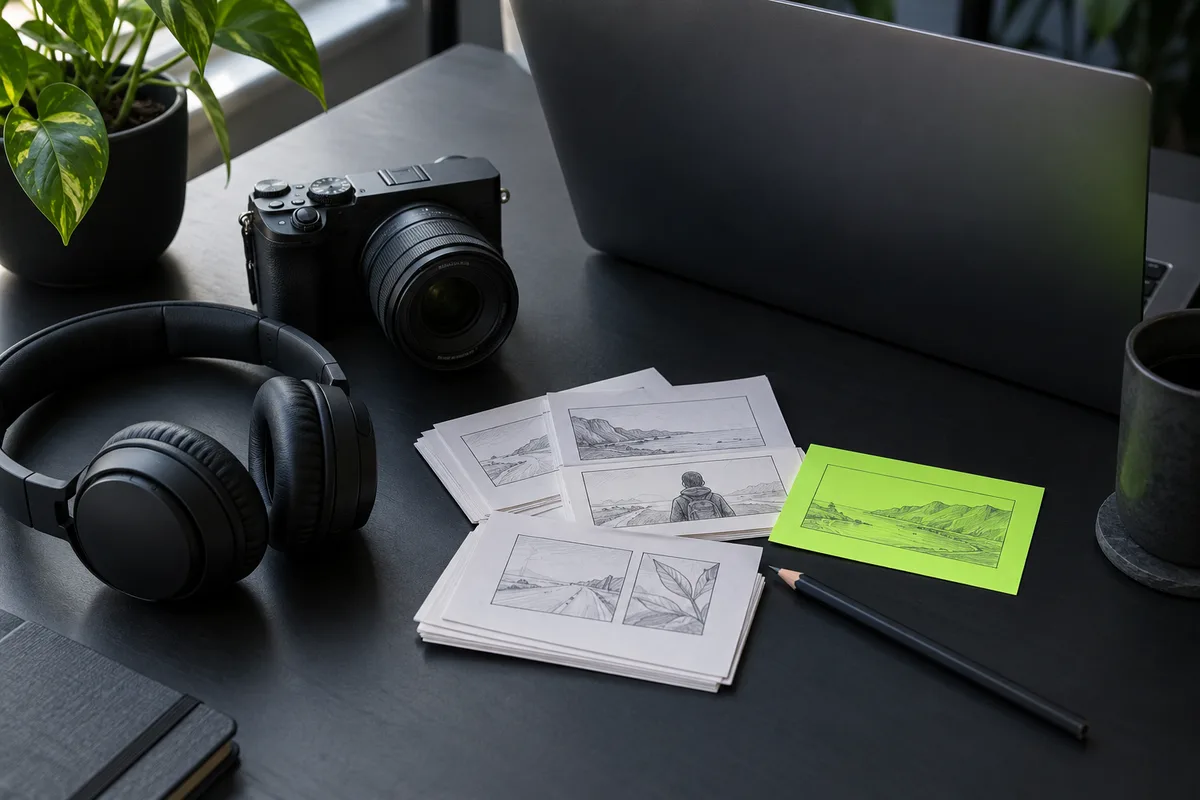
Describe is useful when you have an idea rather than lyrics. My Lyrics accepts words you want performed; put arrangement instructions in the style field instead of adding them to every sung line. Instrumental is the starting point when the scene should not have a lead singer.
Keep a copy of the lyric draft. A model may phrase, repeat or omit text differently from your intended performance, so listen through before treating the track as finished.
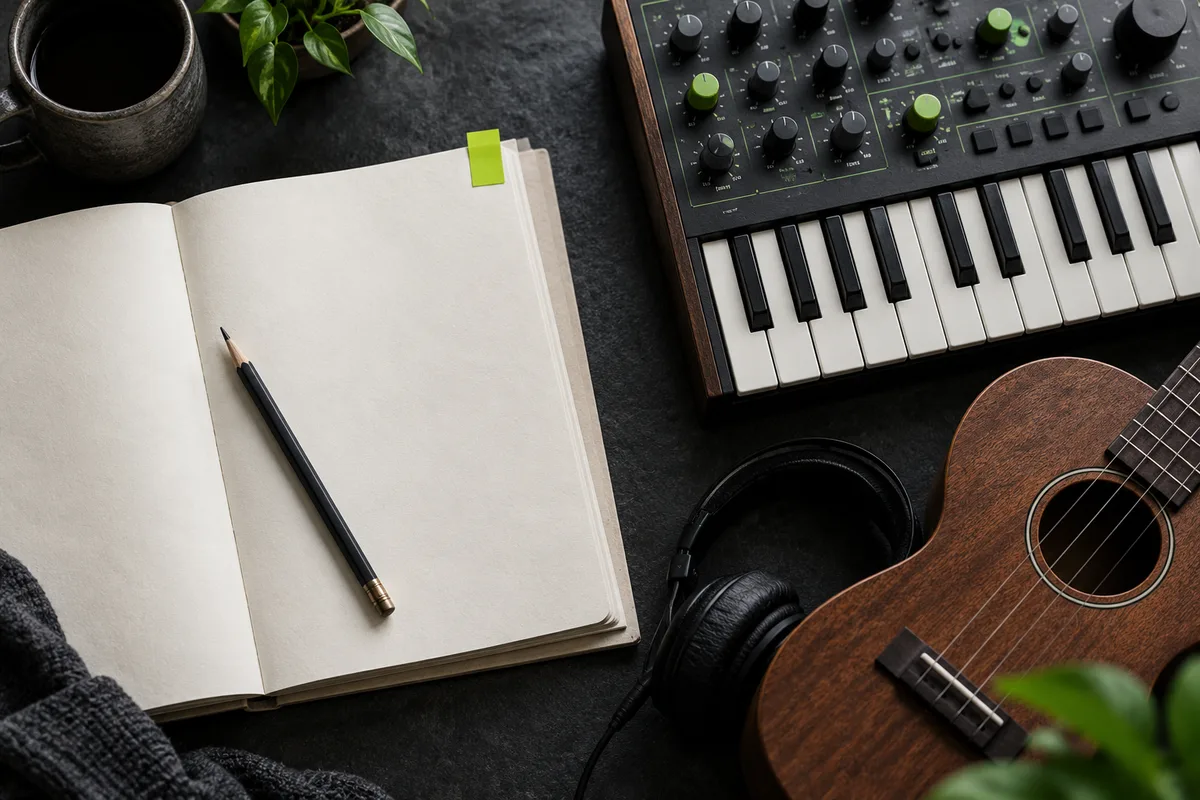
Play every returned take once with the picture or lyric sheet in front of you. Mark whether the useful difference is the opening, the drum feel or the delivery of a line. That note gives your next attempt a purpose.
One generation is charged as a task, not once per returned song. My Music holds the saved outputs and their available downloads; save the files you need before the displayed expiry.
Choose Describe, My Lyrics or Instrumental, then complete the input fields.
Review your balance and the displayed task cost, then submit while signed in.
Listen to all saved results against the project and download the useful version.
Explore a recognizable opening for a series without asking the tool to edit the video.
Check whether your chorus idea works when it is performed rather than only read.
A written duration request is not a guaranteed output length. Generate a suitable musical direction, then edit the chosen audio to your timeline.
The service saves the valid audio results actually returned. The number of playable results can vary; billing remains per task.
No. Review the current Terms, your purchase status and the rights to any inputs before publishing. A downloadable file alone is not a license.
Yes. Choose My Lyrics and enter your words, a title and a musical style. Listen for omitted lines, repetitions and pronunciation before keeping the demo; the draft is not a guarantee of an exact performance.
This guide does not mean the operation is enabled. Check the workspace status above.
Check tool status