
Song sketch development
Hear a bare melody with a proposed rhythmic setting.
MUSIC TOOLS
Loading tool availability…
A chorus recorded on your phone can start an arrangement discussion. When accompaniment generation is enabled, use your vocal recording as the reference and describe the instruments and energy you want around it. The output is a new interpretation of the idea. Keep your original take to hear whether the phrasing changed along with the backing. Check the availability message above before planning a task.
Check availabilityChoose the recording in which the tune and phrasing are easiest to follow. Listen to the full file before uploading it, remove unrelated conversation in your own editor, and keep an untouched copy. A clear reference makes it easier to judge what the new arrangement adds or changes.
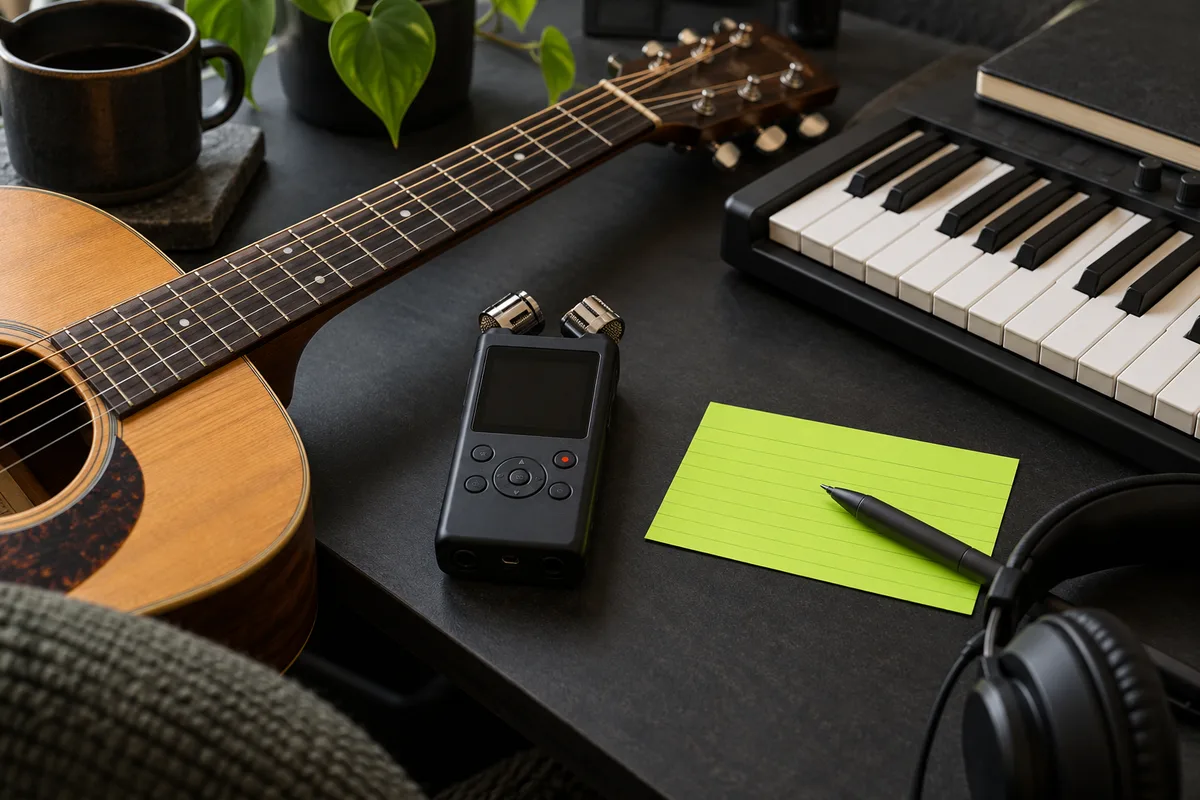
Name the main support and one secondary texture. For a long vocal phrase, a restrained backing may be more useful than several competing lead instruments. Describe the feel without claiming the model will obey an exact score or tempo map.
Listen to consonants, held notes and the start of each phrase. The returned audio is a new interpretation and may change the performance as well as the accompaniment. If the original take must remain untouched, keep it and arrange backing in a separate audio session.
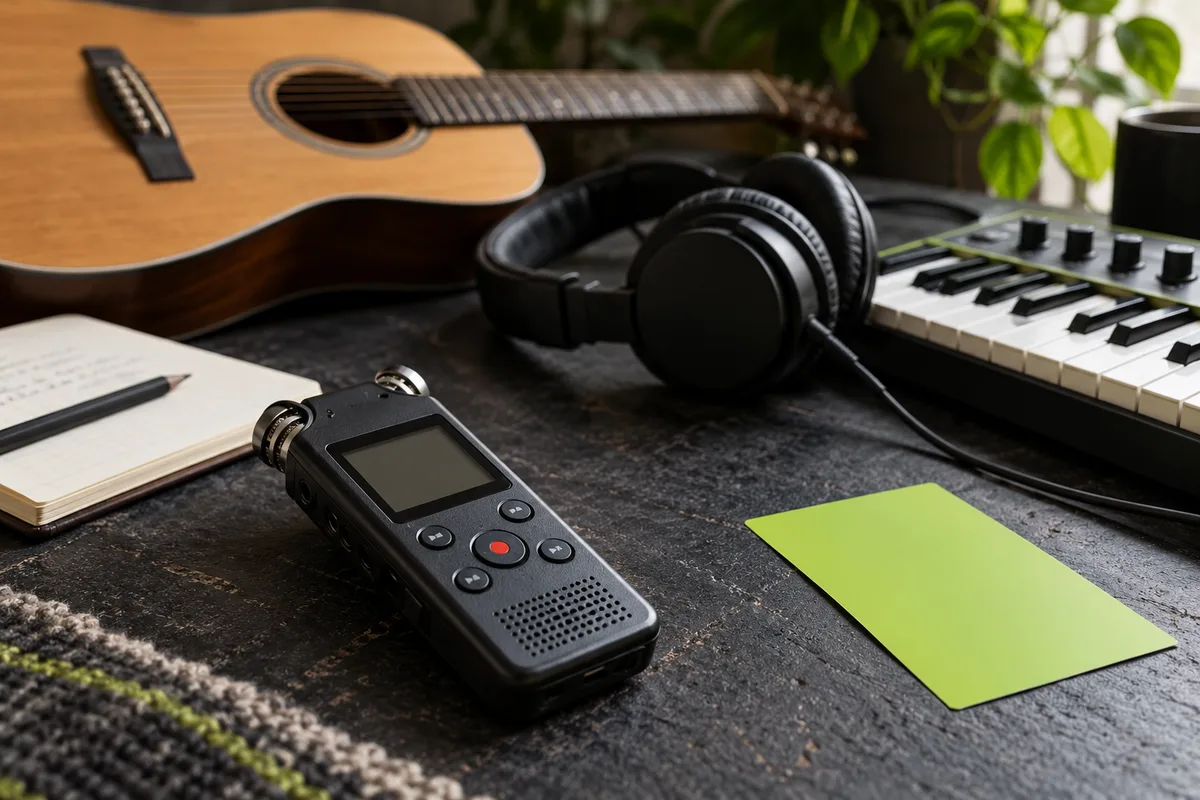
Upload the permitted reference and confirm its quality.
Specify instruments, energy and how much room the voice needs.
Compare phrasing and backing against the original memo.
Hear a bare melody with a proposed rhythmic setting.
Try a sparse backing before committing to a larger production.
No. This workflow starts with a vocal reference. Text-only Instrumental mode starts with a written musical brief.
No exact-preservation promise applies. Review the generated interpretation against your original.
Do not assume separate instrument stems or a DAW project. Review the audio files actually returned by the task.
This workflow requires an audio upload. If you only have a written idea and want music without singing, use Instrumental mode in the music generator instead.
This guide does not mean the operation is enabled. Check the workspace status above.
Check tool status